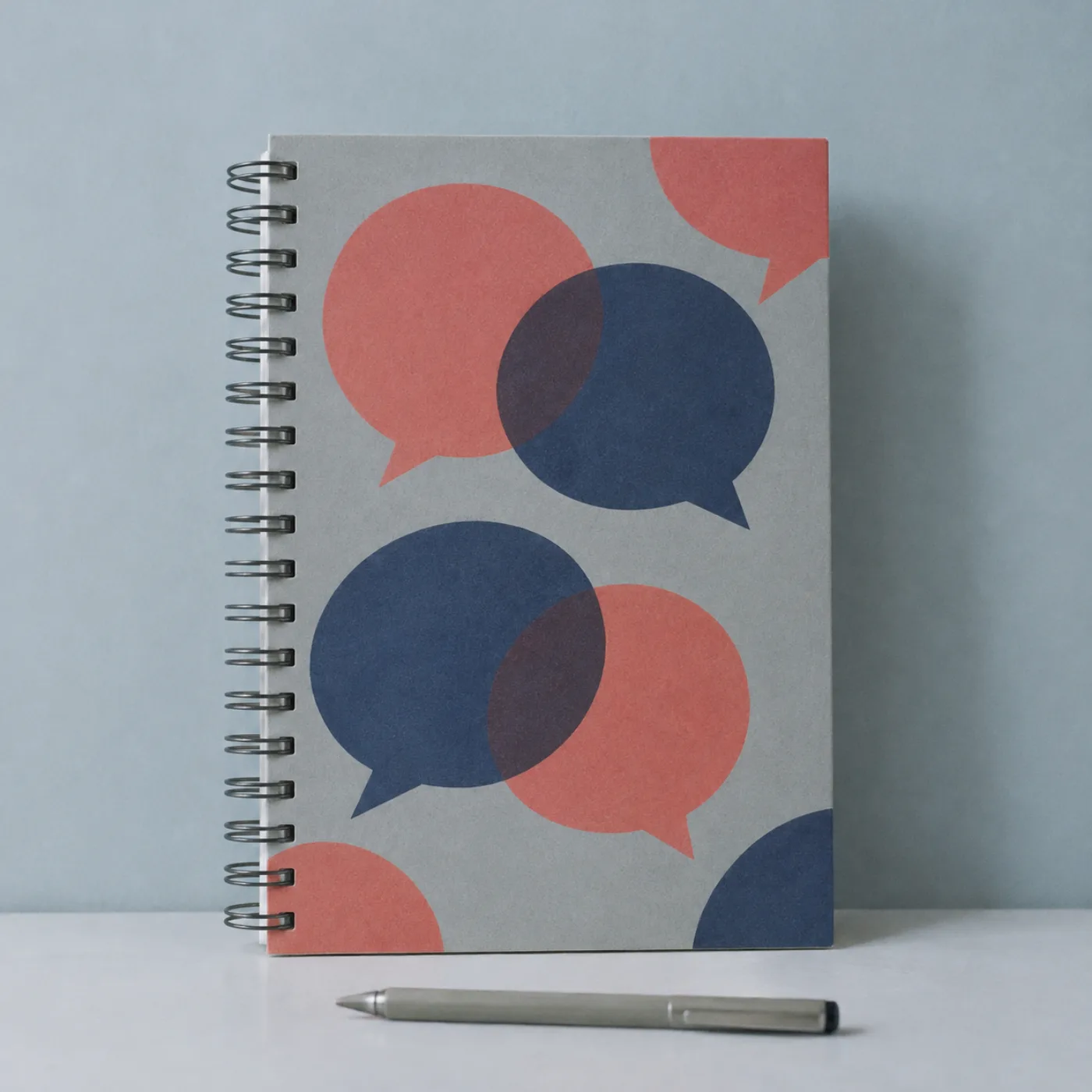
Prompt Notebook Template
A notebook page for each prompt you try: what you asked, what came back, what you changed and whether it worked.
$8View
One Tool a Week
A short letter every Tuesday: one AI tool tried on ordinary work for a week, with what it was good for, what it got wrong and what it cost.

48K
Substack subscribers12K
Instagram followers3.2K
subscribers1,200+
people helpedBlog
One new issue every Tuesday: one tool, one week, and what I found.

I let a note taker listen to every meeting for a week. It was good at action items, wrong about who said what, and the free plan was enough.

I used a chat assistant to turn a messy lecture page into a clean summary. It was good at structure and wrong about two dates. Cost: the free plan.
A helper that writes formulas from plain sentences. Good for sums and lookups, wrong once on a date format. Cost: a small monthly fee I cancelled.
Downloads and courses
Download as soon as you pay. Yours to keep.
A notebook page for each prompt you try: what you asked, what came back, what you changed and whether it worked.
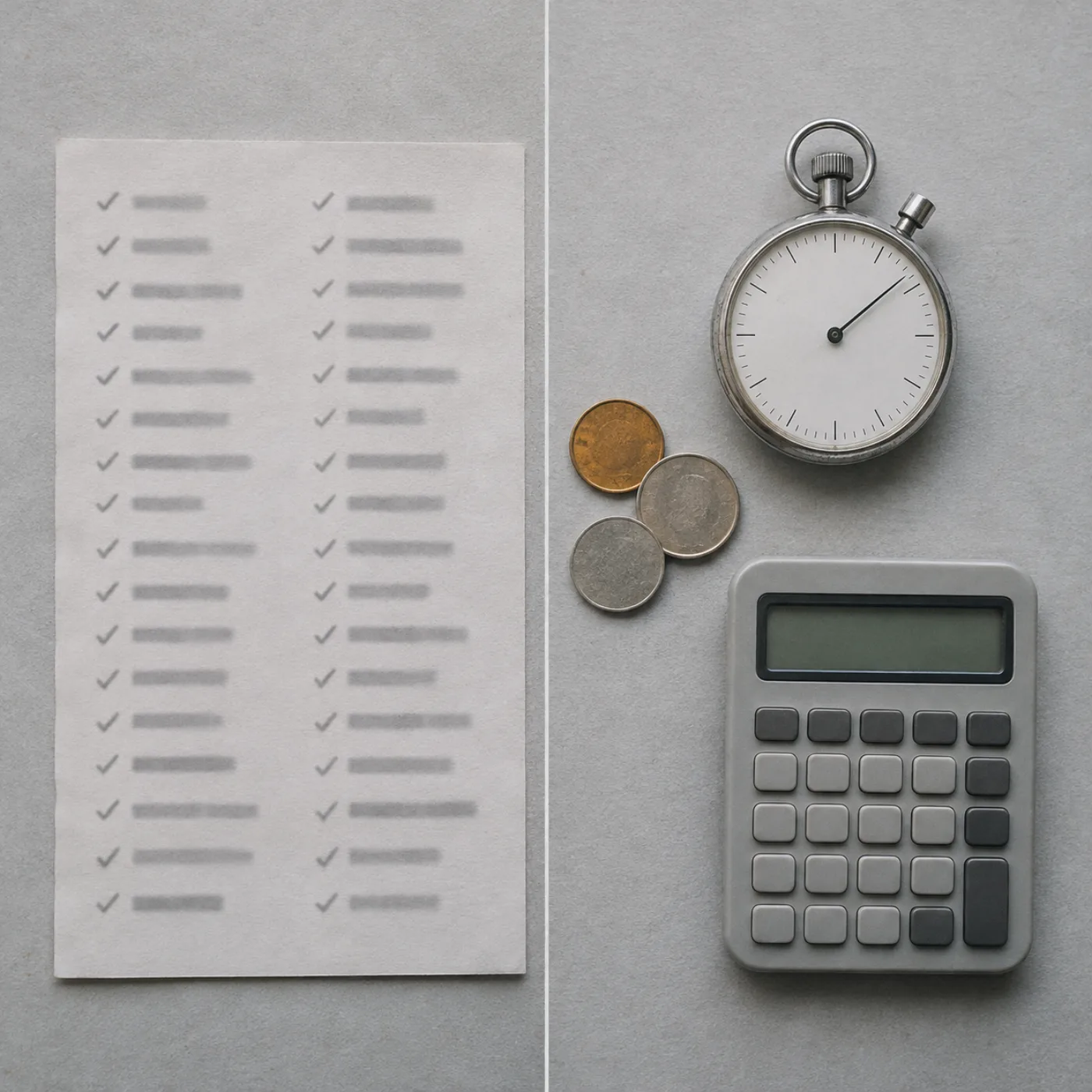
One sheet to compare two tools on the same task: time saved, mistakes found, cost and whether you would use it again.
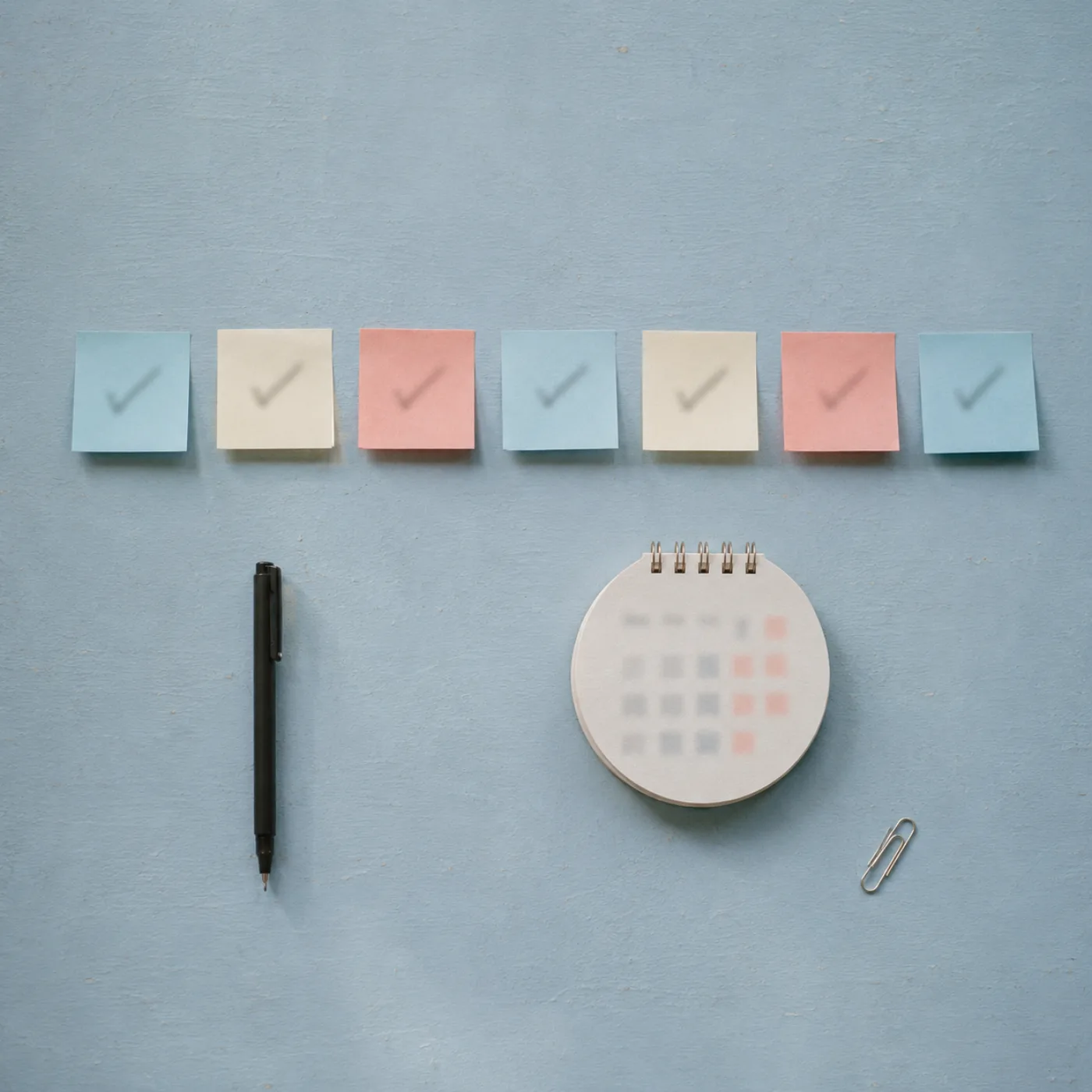
A day-by-day checklist for your first week using an AI tool at work, with the questions to ask each day.
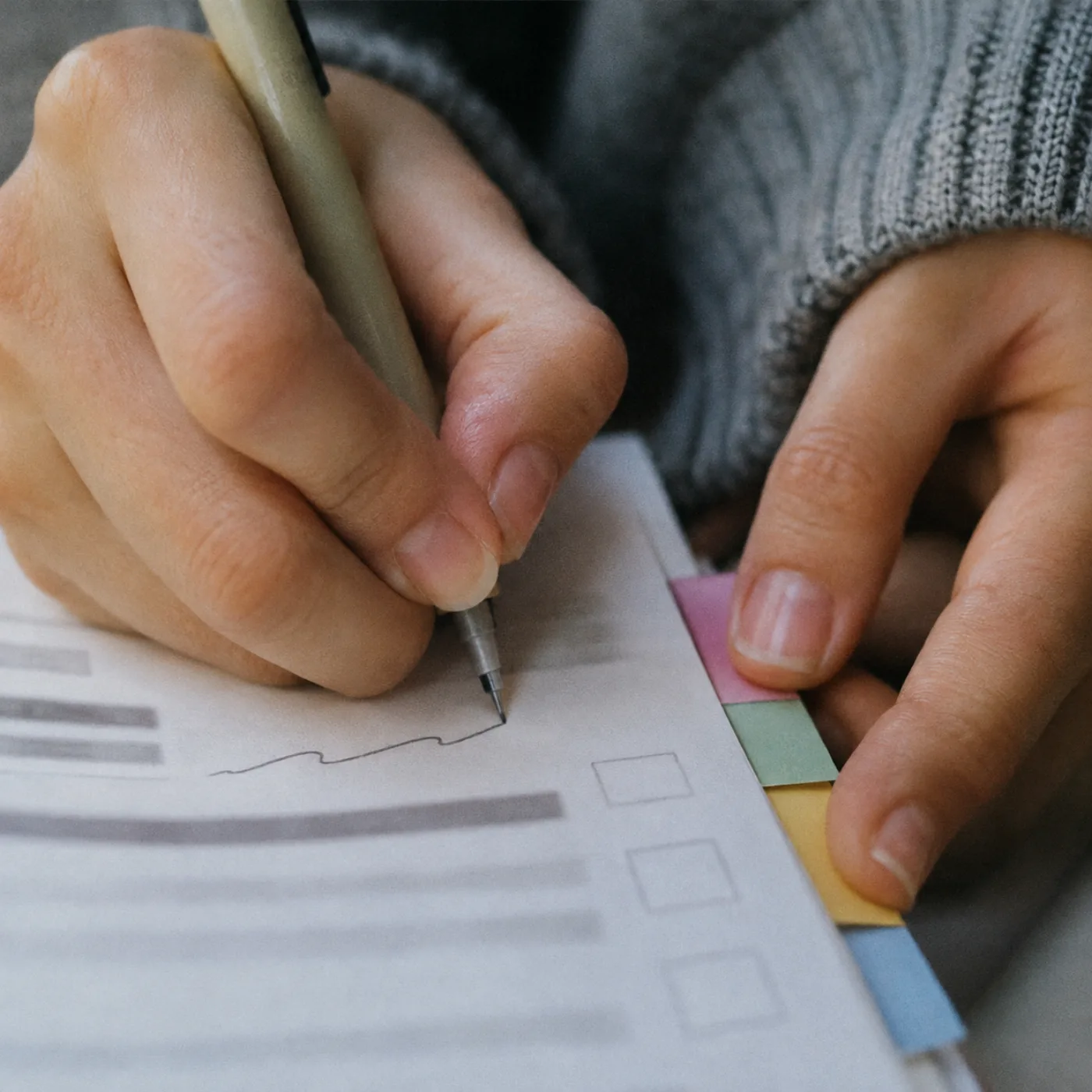
Five note pages for meetings, from a quick check-in to a long planning session, made to fill in by hand or on screen.

What to check before you paste work or study material into a tool: where it goes, who can read it and how to delete it.

Forty prompts for asking an assistant to write, explain and check spreadsheet formulas, with a worked example for each.
About
I write from a small flat in Sapporo, at a low table with a laptop, a mug of tea and a lot of snow outside. By day I do ordinary office work: emails, meeting notes, spreadsheets, the odd report. When AI tools began to turn up everywhere, I wanted to know what they were actually good for on days like mine.
So I started the letter. Each week I pick one kind of tool, such as a writing assistant, a meeting note taker or a chat assistant, and use it on real work for seven days. Then I write down what it did well, what it got wrong and what it cost. I do not name products and I do not take money from tool makers. I would rather you could use the notes with any tool.
What I sell are the things I use to keep the trials fair: a prompt notebook, a comparison sheet, checklists and prompt packs, and two short video courses. They are plain and they do not need any one tool.